

Skip navigation
Bilingual Answer Desk

Bilingual Answering Service for English and Spanish Calls

Our bilingual answering service answers as your business in Spanish or English, takes messages, and books appointments. Try switching languages with your AI receptionist in the browser demo, then request a free trial.

Your callers can switch between Spanish and English. You get the call details in English.

Try a bilingual call Request a free trial

Request a 14-day free trial, up to 100 minutes.PrivacySecurity

A small business owner on the phone at a bright shop counter, smiling naturally, a customer browsing behind her

Give callers an answer while you're busy or closed

Your receptionist answers forwarded calls while you're working, at lunch, or closed for the night. Spanish-speaking callers can explain what they need without waiting for you to return.

A family-run auto repair shop office, a mechanic handing keys to a customer
  • During jobs

    Take caller details while your hands are occupied with the work.

  • After hours

    Let callers leave their request in English or Spanish at night.

  • Busy season

    Forward unanswered calls when your team is already on another line.

Full details

An unanswered call can leave a booking request waiting until your next break. Picture a caller trying to explain a repair in Spanish while your team is serving someone at the counter. Your receptionist asks for the details so you have a message to act on.

You choose when the bilingual phone answering service receives calls: all the time, when you're busy, after no answer, or after hours. It works once forwarding is active. When you return, you can review the caller's request instead of starting with an unexplained number on your phone.

Collect the request, check urgency, and read back details

Your AI receptionist asks about the caller's request, checks it against your urgency rules, and records the details. Callers can move between Spanish and English during the conversation.

  • Useful intake

    Ask the questions your business needs before booking or calling back.

  • Clear read-back

    Confirm names, addresses, and phone numbers with the caller in their language.

  • Urgent routing

    Offer your on-call person a short summary before they accept a transfer.

Full details

Your receptionist uses the services, coverage area, hours, and price policy you give us. It gathers the information relevant to your trade and reads back key details, including names, addresses, and numbers. A caller can begin with “Necesito una cita,” meaning “I need an appointment,” and switch to English to describe the request.

If the call meets your urgency rules, the AI can warm transfer it or page your on-call person in your chosen order. A warm transfer starts with a short summary; your person presses 1 to accept. You receive a call summary, urgency tag, transcript, and recording by email and app push notification.

Try Spanish, English, and a language switch in the demo

The browser demo below lets you test a fictional business in either language. Listen to the greeting, change languages, and check how the receptionist confirms your details.

  • Spanish booking

    Ask for an appointment and listen for the details it checks.

  • Language switch

    Start in Spanish, move to English, and continue the same request.

  • Urgent request

    Hear how a fictional urgent call is routed to the owner.

Full details

Start with a Spanish booking request and listen for the virtual-assistant and recording notices. Try switching to English halfway through, or give a fictional name and address for the AI to read back in Spanish. You can also leave a voicemail-style message, call in English, or test an urgent request in Spanish.

These are demo scenarios for a fictional business, so use invented caller details. Compare what you said with the resulting message and urgency tag. The full browser demo gives you the scenarios together so you can try another call before deciding whether to request a free trial.

Practice business (made up): Mendez Family Auto Repair

Choose a call and press Start talking.

Made upBooked11:05 a.m.

Call received for Mendez Family Auto Repair

Caller starts in Spanish and books.

Appointment booked: Thursday, 9 to 11 a.m. (example time). See the summary for the confirmation.

Short transcript (example)

  1. Assistant Thanks for calling Mendez Family Auto Repair. I am a virtual assistant and this call is recorded. How can I help?
  2. Caller Habla en español y explica lo que necesita.
  3. Assistant Con gusto le ayudo. Está hablando con un asistente virtual y la llamada se graba. ¿Me da su nombre y un número para devolverle la llamada?

You get the full transcript and recording in the dashboard.
What the owner receives after a call like this (example).

Forward your number, then receive messages and bookings

You keep your business number and forward the calls you choose to your receptionist. It answers as your business, sends call alerts, and books appointments into Google Calendar.

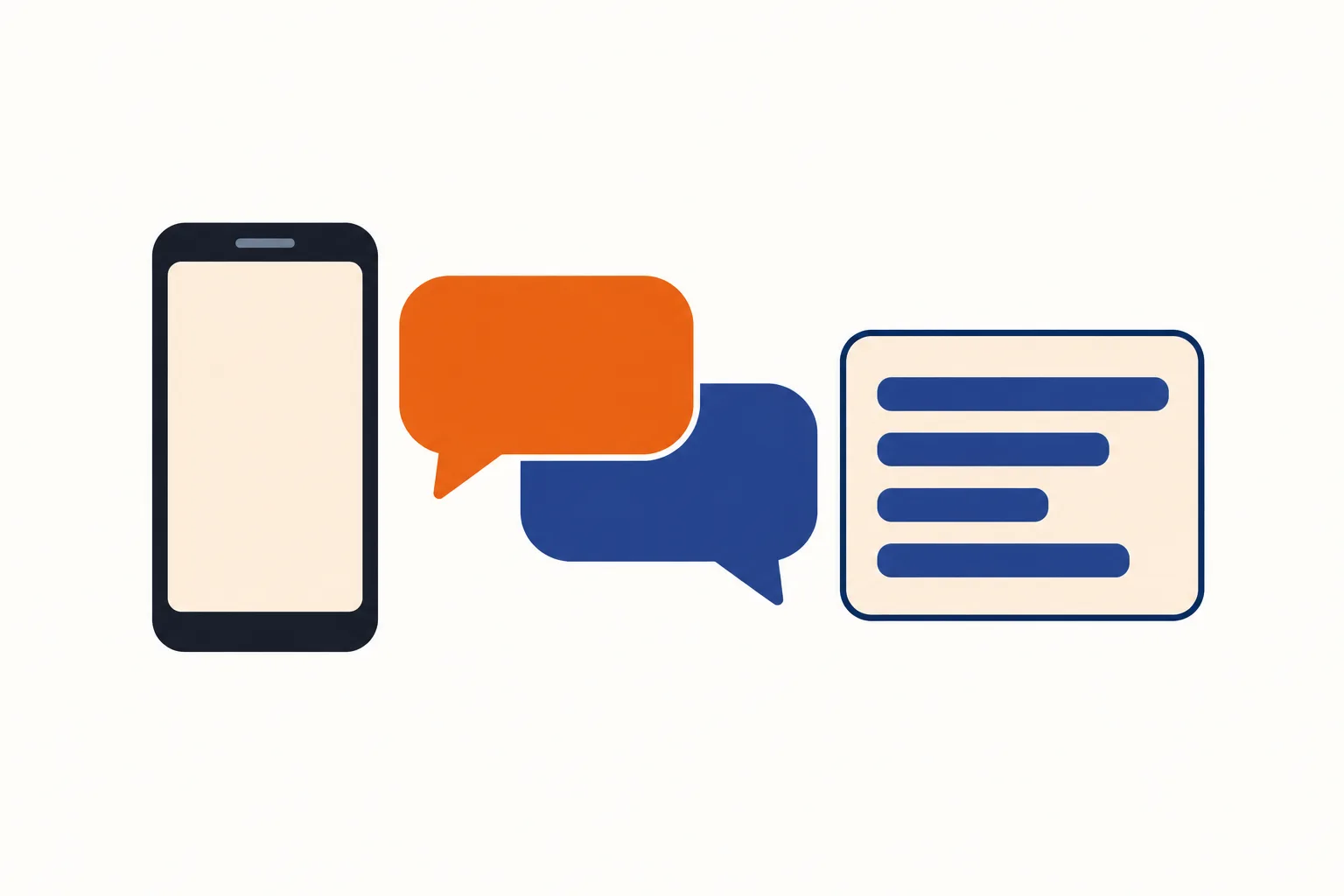
Illustration: two speech bubbles between a phone and a summary card of lines
  • Keep your number

    Follow the forwarding guide for your carrier or phone system.

  • Answer as you

    Use your business details to guide intake, booking, and urgent routing.

  • Review the result

    Get email and app push alerts, plus a daily email digest.

Full details

We provide a local number in your area code and instructions for forwarding from your existing phone service. Choose full forwarding or send only busy, unanswered, or after-hours calls. A test call lets you check the route before going live.

When a call arrives, your receptionist identifies itself as a virtual assistant and gives the recording notice in English and Spanish if you enable your bilingual greeting setting; otherwise, both open in English and repeat in Spanish in the first reply after a caller speaks Spanish. It then handles the request using your business information. Appointments go into Google Calendar, or the AI takes details for your callback. Your dashboard holds calls, transcripts, recordings, usage, and settings; see the setup steps for the full process.

Sample dashboard with invented calls

Compare AI answering, live receptionists, and voicemail

AI answering handles structured intake and booking; live receptionists bring personal judgment; voicemail lets callers leave a message. Choose the option that fits the conversations your business needs.

  • AI receptionist

    Follow your intake rules and book appointments in English or Spanish.

  • Live receptionist

    Bring a person's judgment to conversations that need discussion beyond a script.

  • Voicemail

    Offer a place for messages when you plan to return calls yourself.

Full details

Our AI receptionist suits calls where the next step is a message, an appointment, or an urgent transfer based on your rules. It can make mistakes, so review the summaries and keep a backup way to be reached. Test a request you actually receive before choosing it.

A live receptionist brings personal judgment and can ask questions based on experience. With any provider, check who handles Spanish calls and what happens outside staffed hours. Voicemail provides a place for callers to leave a recording, with your team handling the callback. Try the same fictional booking request against each option you're considering.

Compare the cost of handling a call

Compare the monthly bill with the time your team spends finishing each request. Our plan is $249 per month, including 500 AI minutes, with extras at $0.20 per minute.

  • AI usage

    Compare your included minutes with the conversations you expect to forward.

  • Live answering

    Ask for a quote covering Spanish calls, transfers, and your required hours.

  • Voicemail callbacks

    Include the time your team spends returning messages and collecting missing details.

Full details

A useful cost comparison starts with the same call: a Spanish-speaking customer asking for an appointment. For our service, consider how that conversation uses your monthly AI minutes. For a live service, ask the provider to explain how that request would be billed. For voicemail, count the staff time needed to return the call and complete the booking.

Our monthly plan includes 500 AI minutes for $249, and additional minutes cost $0.20 each. Your dashboard shows usage so you can compare the plan with your own call pattern. Review the plan and trial terms before forwarding your number during your requested trial.

Monthly plan

$249 each month

  • Includes 500 AI minutes
  • $0.20 per extra minute
  • Request a 14-day free trial, up to 100 minutes
  • Billed monthly, cancel online

Case-study price: $199 per month, locked for 12 months, for 10 businesses that agree to a short case study about their results.

Request a free trial

Add-on services

  • Website chatAdd-on
  • Lead follow-up callsAdd-on

Book in Google Calendar and enter summaries in your tools

Your receptionist books appointments into Google Calendar and sends summaries you can enter in your other tools. Direct connections to scheduling and CRM software are planned by demand.

  • Calendar booking

    Put appointments into Google Calendar or collect details for a callback.

  • Useful summaries

    Enter the caller's request in the scheduling or CRM tools you use.

  • Your workflow

    Review the message before updating a customer record or assigning work.

Full details

Use Google Calendar when you want the AI to book an appointment during the call. If you'd rather choose the slot yourself, your receptionist collects the request and contact details for your callback. You can review the summary alongside the transcript and recording.

For your other scheduling or CRM tools, your team enters the details from the summary. Direct software connections are not live yet; we plan them according to demand. During your requested trial, walk through a sample booking and a callback request so you can see where the call information belongs in your existing workflow.

Set your rules and test both languages before going live

An onboarding chat teaches your receptionist about your business, then a test call checks your setup. Try the greeting, intake questions, and urgent route before forwarding real callers.

  • Teach your business

    Answer onboarding questions about your services, area, hours, and price policy.

  • Choose urgent routes

    Set who receives urgent calls and the order to try them.

  • Test the conversation

    Check Spanish and English requests before your customers use the line.

Full details

Start with your business website and the answers to a 10-15 question chat. Tell the AI what you do, what you don't do, where you work, and who should receive urgent requests. Include the price policy you want it to follow.

Make a test call with a fictional appointment request, then another with details that meet your urgency rules. Turn on your bilingual greeting setting to hear both disclosures in English and Spanish at the start, and check the name and address read-back. Review the resulting messages before going live. You can change settings later by telling the AI what you want in plain words through your dashboard.

Ask these questions before choosing an answering service

Ask any answering service to demonstrate Spanish calls, explain its handoff rules, and show the message you'll receive. Use those same checks when you test our AI receptionist.

  • Hear both languages

    Ask for a conversation that switches languages during the same request.

  • Check the handoff

    Find out who gets urgent calls and how they accept them.

  • Read the terms

    Ask about usage, recording, cancellation, and the route after service ends.

Full details

Bring examples from your business: a caller spelling a surname, an address with an apartment number, and a request outside your service area. Ask how the service handles information it hasn't been given. Listen for a clear explanation of who is answering and whether the call is recorded.

Then look at the owner's side. Ask to see a summary, the urgency label, and how the handoff reaches your team. Check the available hours for English and Spanish, how usage is measured, and the cancellation process. You can test our receptionist yourself with fictional details before sharing your own business information.

FAQ

Is the Spanish natural enough for my callers?

Hear the Spanish yourself in the browser demo before deciding. Try the phrases your callers use, ask for an appointment, and give a fictional name and address for read-back. You can also switch to English during the conversation and compare the resulting message with your request.

Can a caller switch between Spanish and English?

Yes, callers can change languages during the same call. They might explain their request in Spanish and give an appointment preference in English. Your receptionist continues the intake conversation and reads back key names, addresses, and numbers so the caller can correct details.

Will callers know the receptionist is AI, and are calls recorded?

Yes, your receptionist identifies itself as a virtual assistant and says the call is recorded at the start of the call. Neither notice can be switched off; your bilingual greeting setting adds Spanish to the English opening, otherwise the first reply after Spanish speech repeats both notices in Spanish. You can hear the disclosure in the demo.

Can I keep my current business phone number?

Yes, you keep your number and forward selected calls to the local number we provide. Use the guide for your carrier or phone system to choose all calls, busy calls, no-answer calls, or after-hours calls. Check the route with a test call before going live.

Can it book appointments for Spanish-speaking callers?

Yes, your receptionist can book appointments into Google Calendar while speaking Spanish or English. It asks for the relevant details and reads back key information. If you want to handle scheduling yourself, it takes the request and contact details for your callback instead.

How does an urgent call reach me?

You set the urgency rules and the order for reaching your on-call person. Your receptionist can warm transfer the call or page that person. For a warm transfer, they hear a short summary first and press 1 to accept the call. Test your chosen route during setup.

Where do I get my messages?

We send an alert for each call by email and app push notification, with a summary, urgency tag, transcript, and recording. A daily digest arrives by email. Your dashboard also holds the call records, so you can review the conversation before returning a caller's message.

What if the caller asks something my receptionist hasn't learned?

Give us your services, hours, service area, and price policy during onboarding so the AI has the information it needs. It can take a complete message for your callback when a request needs your input. Review summaries and update the business details through your dashboard.

How long does setup take?

Setup includes an onboarding chat with 10-15 questions, a review of your website, and a test call. You provide business rules, choose urgent contacts, and follow the forwarding guide. The time depends on having those details ready; we don't give a fixed setup time.

Can I try it before paying for a month?

Start with the browser demo without signing up, then request a 14-day free trial capped at 100 minutes to test your business once your trial is ready. A card is required before call forwarding goes live. We'll email a reminder two days before the trial converts, and you'll be able to cancel online.

Hear how your callers can switch languages

Start the browser demo in Spanish, then switch to English when you like. Request a free trial to share how your business answers and set up your own receptionist once your trial is ready.

Try a call in Spanish Request a free trial